How to use · Getting started
Putting the app on your phone
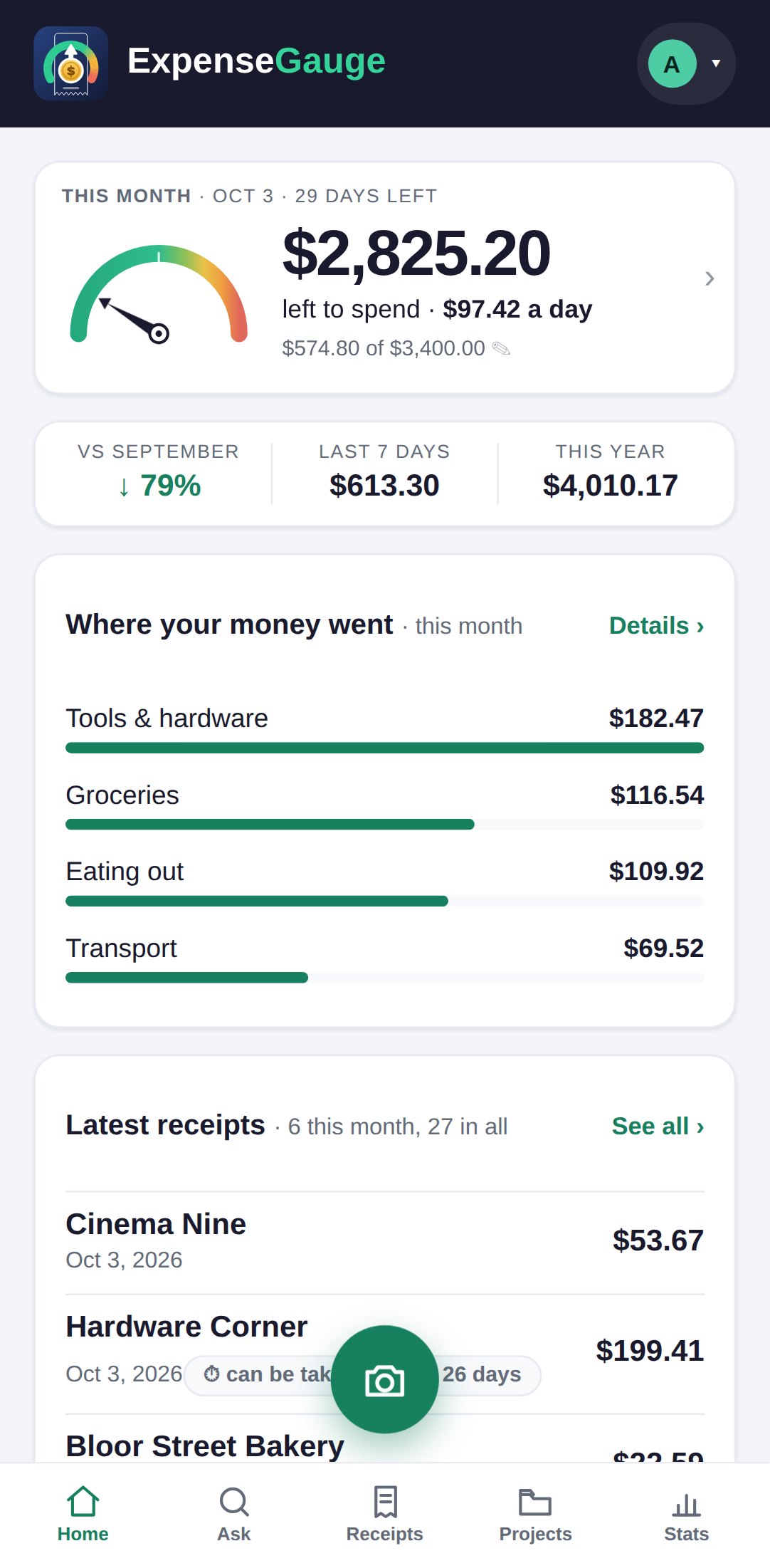
There is no app store download - it is a web app. Open expensegauge.com in your phone browser. On iPhone tap Share, then Add to Home Screen. On Android tap your name at the top right and choose Add to Home Screen; if that line is not there, use the browser's own menu and its Install app item. After that it opens like any other app, full screen.
More about this: Features
Getting started