How to use · Getting started
What ExpenseGauge does
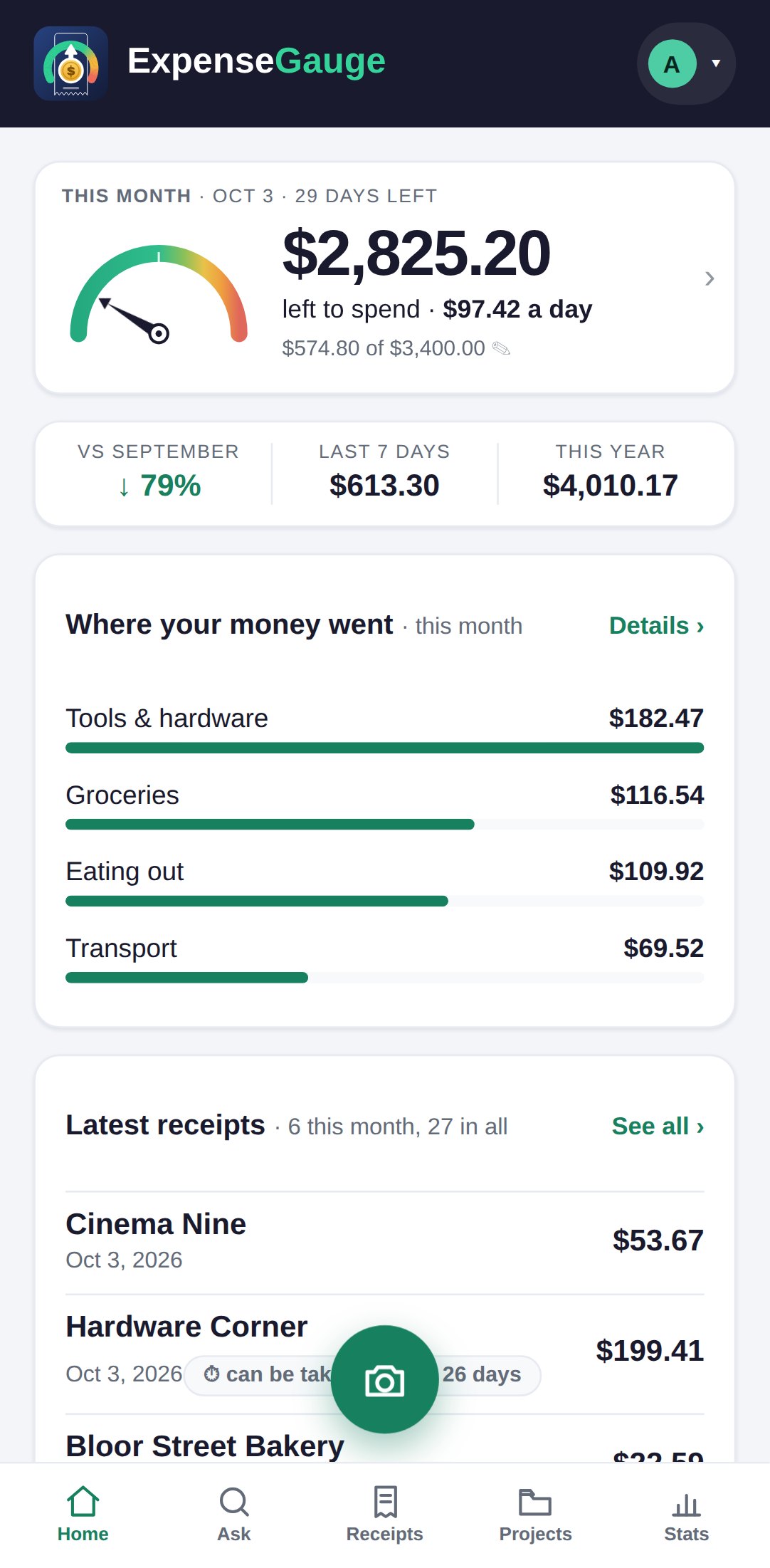
Photograph a receipt, or send the PDF of one, and it is read for you: the shop, the date, the total and every line on it. A bank or card statement works the same way, one line per payment.
After that you can ask in plain words - typed or said - what you spent, on what, where and when.
It also keeps a monthly budget that allows for your fixed costs, splits a bill between people, warns you before a return window or a warranty runs out, and hands everything back as a spreadsheet or the original photos whenever you want.
It works in this web app and through Telegram, and the same receipts are in both.
More about this: Features
Getting started