How to use · Getting started
Signing in
There is no password. You type your email at expensegauge.com, we email you a short code, and you enter it. That is the whole sign-in.
If the code does not arrive, check the spam folder first. Still missing? Write to us and a person will look into it. The code has six digits and works for ten minutes. After five wrong tries it stops working, so ask for a new one. A new code can be sent after a short wait, up to five in an hour.
More about this: Features
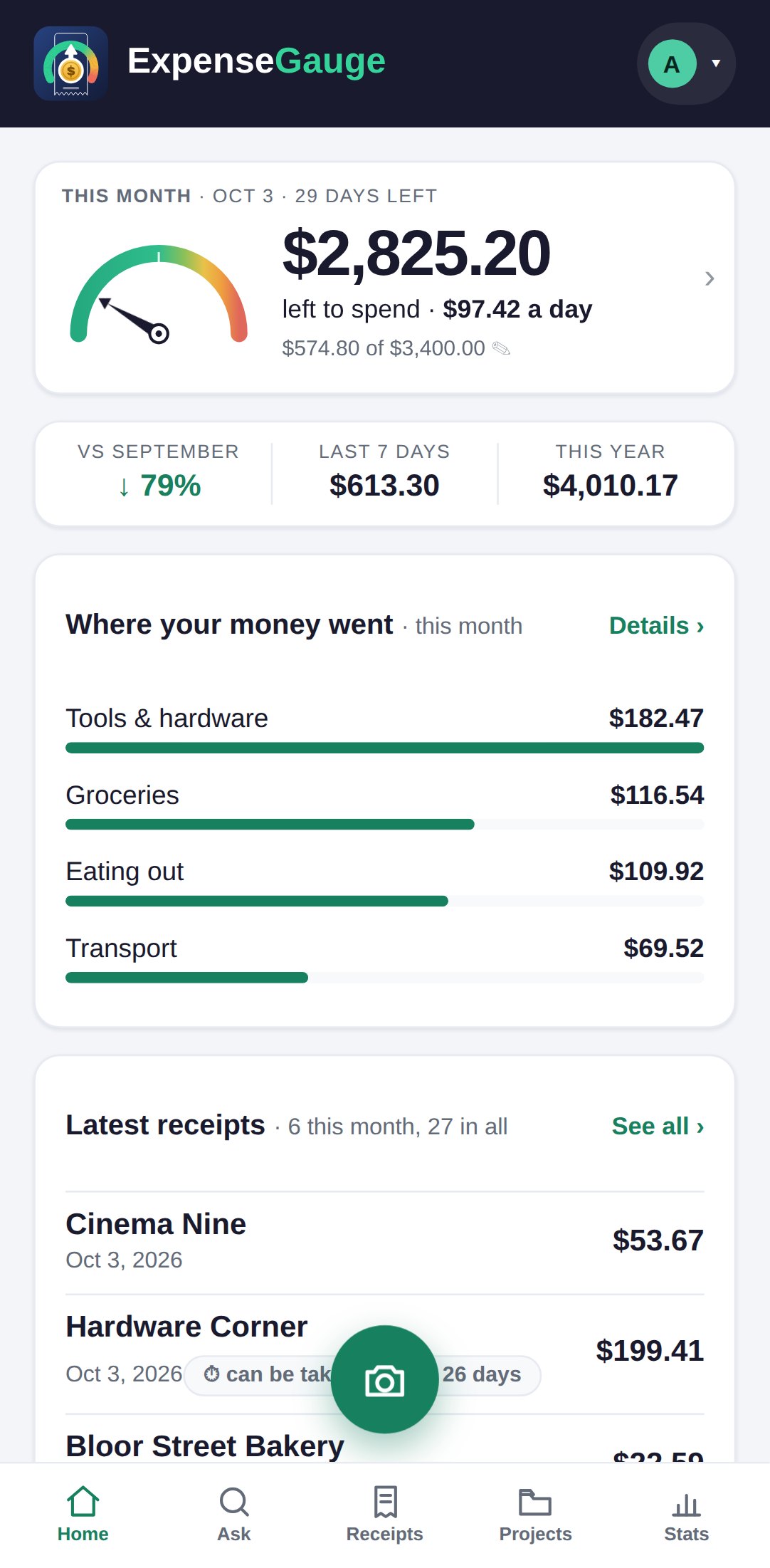
Getting started