Features · Your data, out
Your receipts, out of the app, whenever you want them.
Books you cannot take with you are not really yours. Download a spreadsheet of your receipts, with every line on a sheet of its own, and every receipt photo in one go — for your accountant, your taxes, or simply to keep.
No password. You sign in with a six-digit code sent to your email. The free plan is not a trial — see pricing.
How it works
Two downloads, each a tap.
A spreadsheet
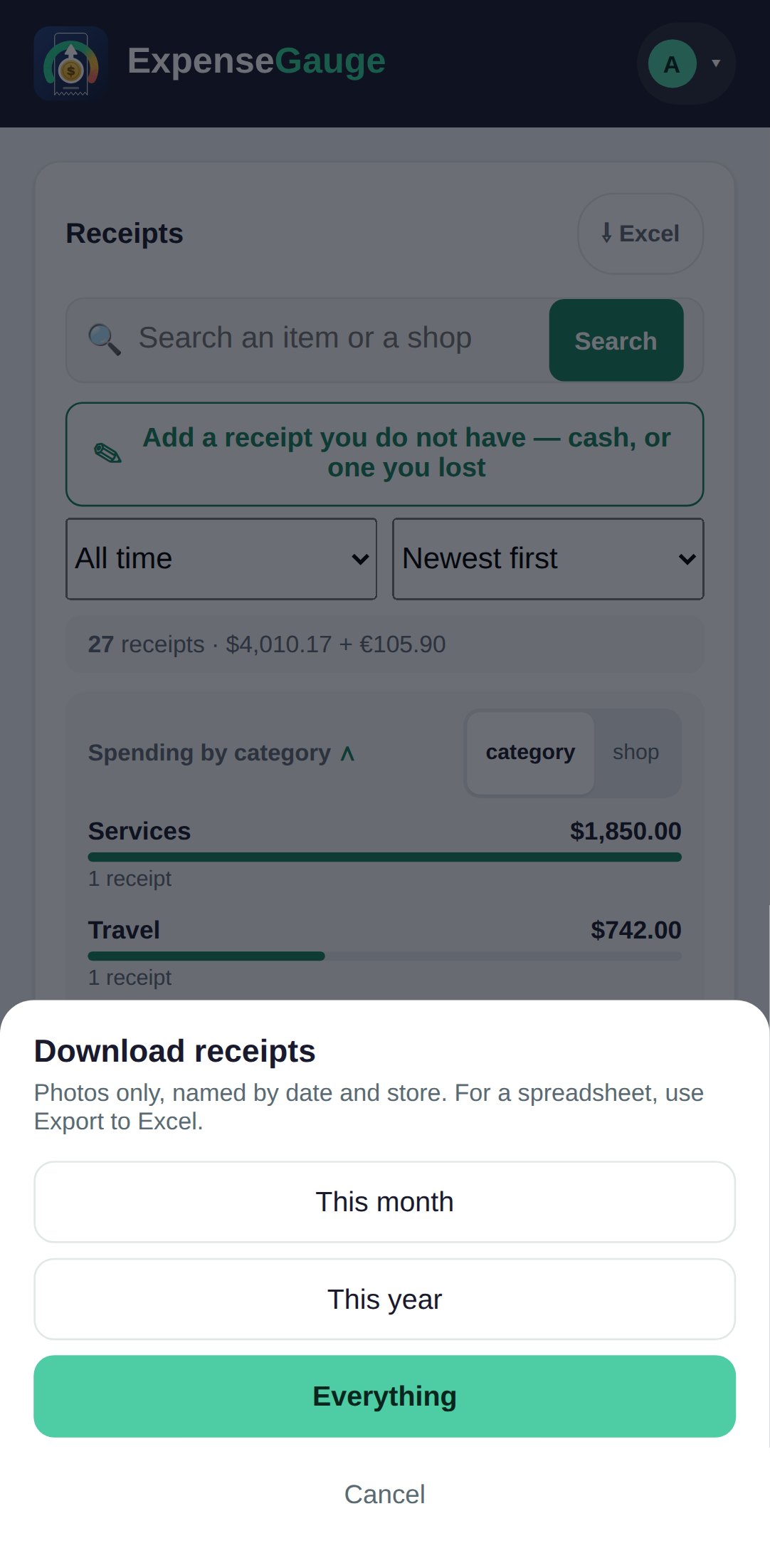
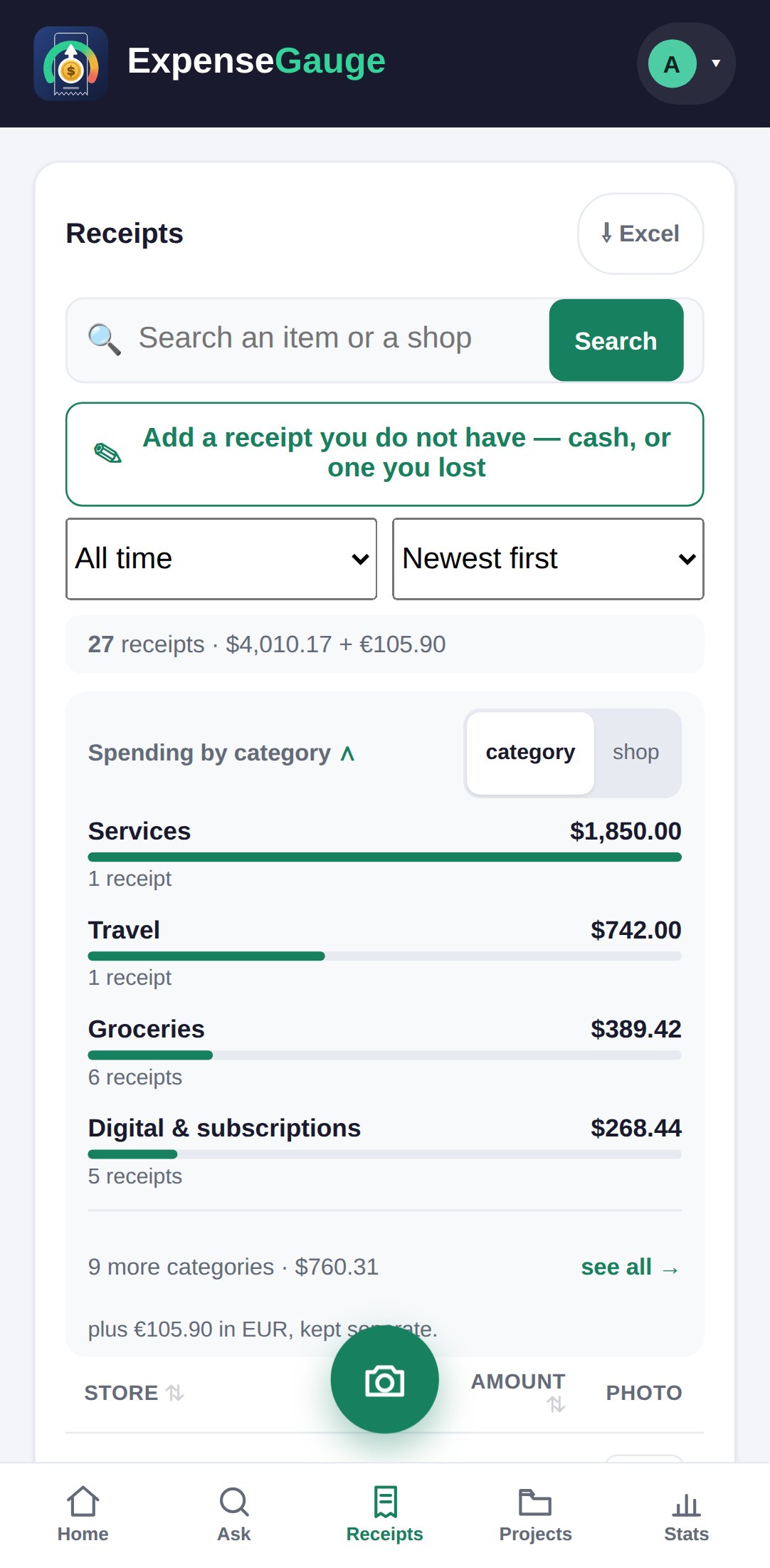
On the Receipts screen, tap Excel. It holds exactly what your filters are showing: the receipts on one sheet, their lines on another.
The photos
From your account, choose Download receipts, then This month, This year or Everything. Each photo is named by its date and shop.
From Telegram
Send /excel to the bot for everything in a spreadsheet, or /backup for the photos.
Exactly what you see
Filter first, then export.
The spreadsheet follows the list. Narrow the receipts to a period, a shop or a search and the Excel button exports those, and only those. Last quarter for the accountant, one shop for a dispute, one trip for a claim.
Nothing is held back on any plan. Exporting the spreadsheet and downloading your photos are open to everyone, free plan included.
Straight answers
Common questions
Can I export my receipts to Excel?
Yes. On the Receipts screen, tap Excel. The file holds what your filters show, with receipts on one sheet and their lines on another.
Can I download all my receipt photos?
Yes. Choose Download receipts from your account and pick this month, this year or everything. Each photo is named by date and shop.
Is exporting limited on the free plan?
No. The spreadsheet and the photos can be taken out on every plan.
Can I delete my account and everything in it?
Yes. Ask for it from the help panel and the team erases your account, every receipt and every photo, and tells you when it is done. See your data.
Where next
Your books are yours.
Take them out today, next year, or the day you leave. Leaving is not a negotiation.
Read next: Your data · How long to keep a receipt · The receipt scanner