How to use · With other people
Projects and events
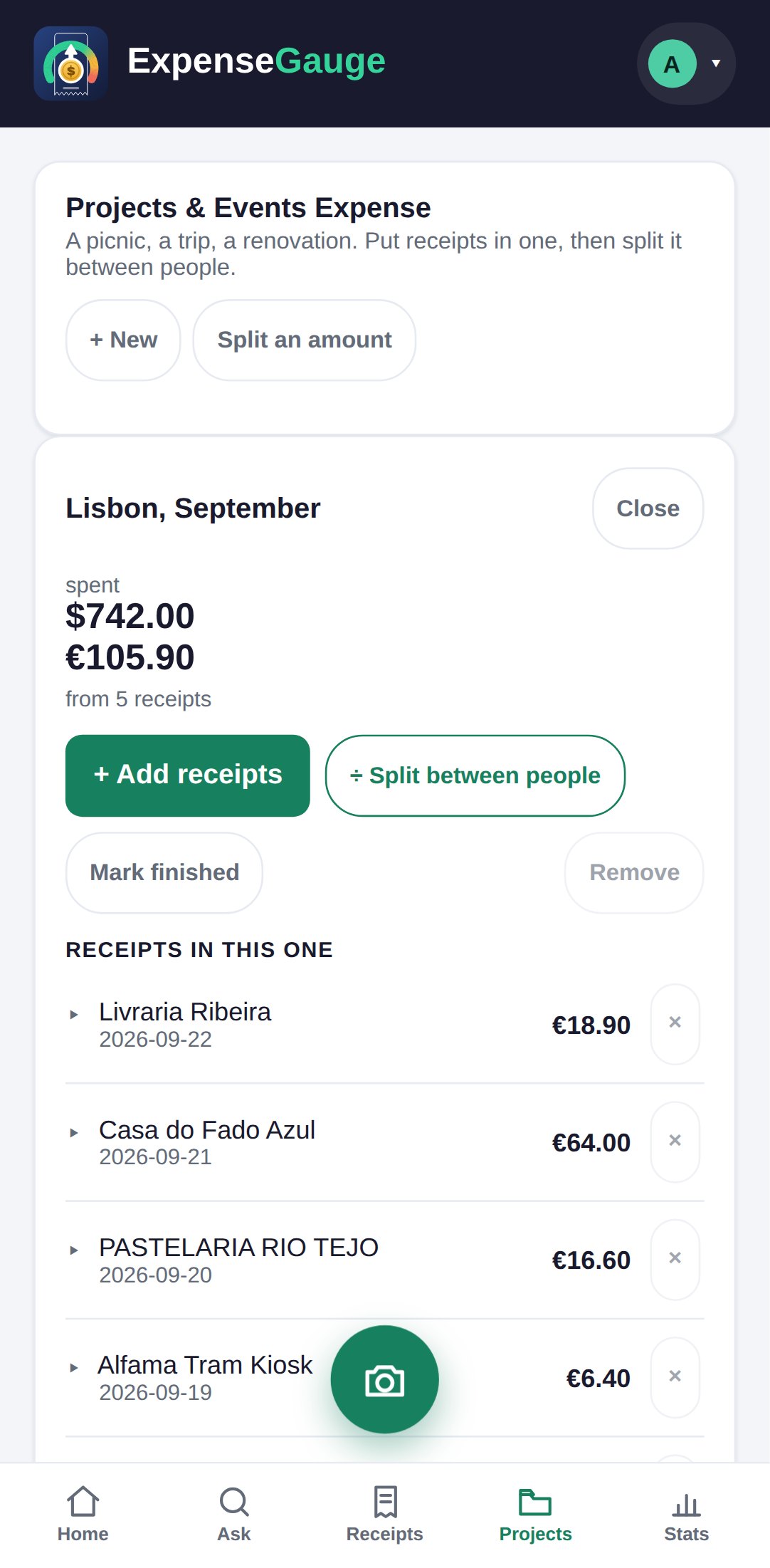
A project or an event is a bag for the receipts that belong together - a trip, a party, a renovation.
- Make one: the Projects tab, then + New.
- Put receipts in: open the project and tap Add receipts, then tick the ones that belong. Untick to take one out.
- A budget, if you want one: give it when you make the project, and the project shows how much of it is left.
- Share the cost: Split between people divides what the project cost.
- Notes: each project has a box for anything worth remembering.
Money in different currencies is never added together, so a trip that was euros and dollars shows both.
More about this: Trips, projects and events, with receipts in two currencies
With other people