How to use · With other people
Splitting a bill between people
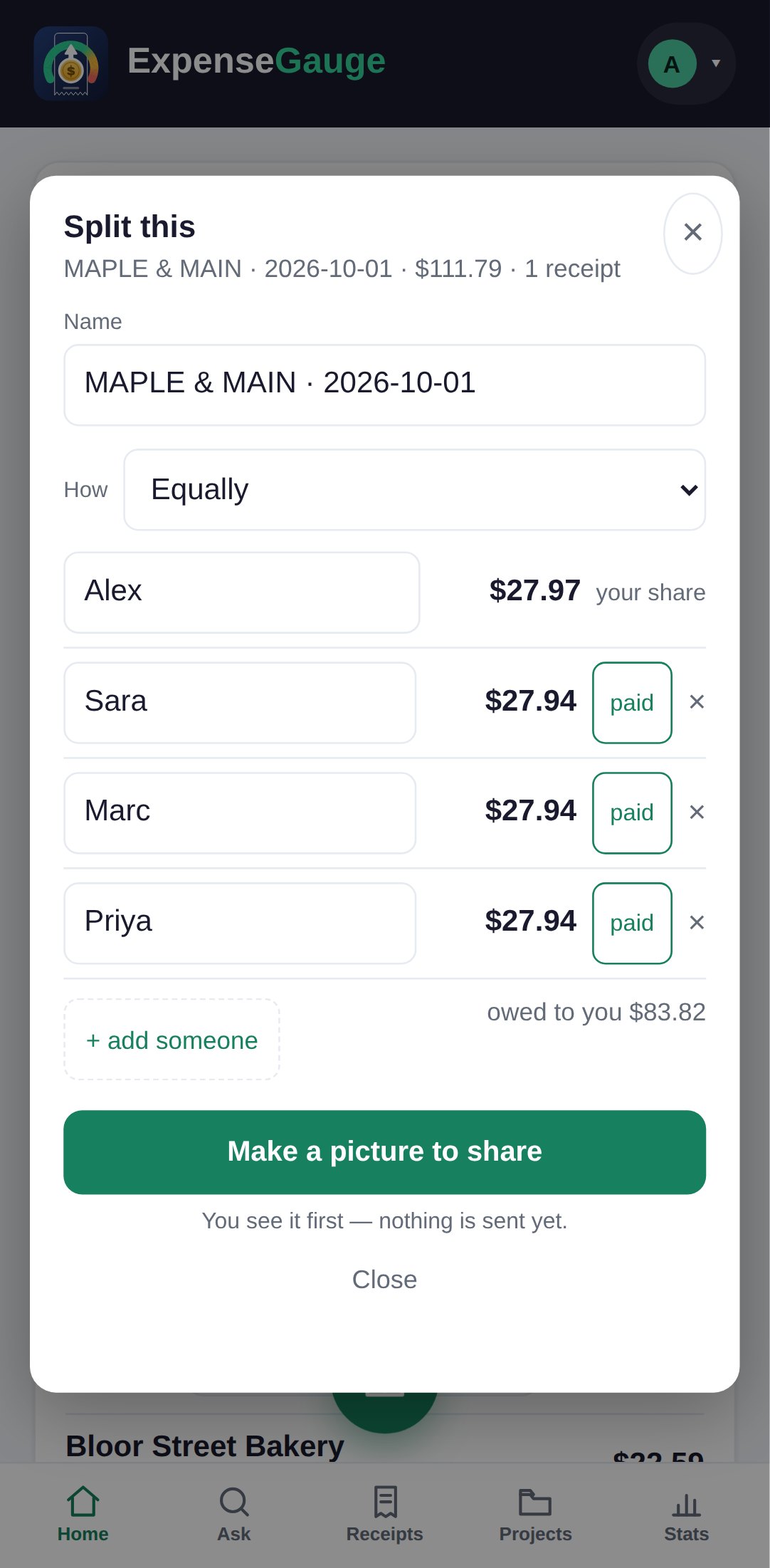
Open the receipt and tap Split. Add the people, then choose how: equally, or a fixed amount each.
- Tick a person as paid when they pay you back; the receipt shows what is still owed to you.
- Make a picture draws who owes what, ready to send. You see it first; nothing is sent by itself.
- Money with no receipt: on the Projects tab, Split an amount.
- A whole trip or party: put its receipts in a project and use Split between people.
More about this: Split a receipt or a shared bill without anyone keeping score
With other people