How to use · Your money
A monthly budget, and being warned in time
You can give the month a figure, and the app watches it against what you actually spend.
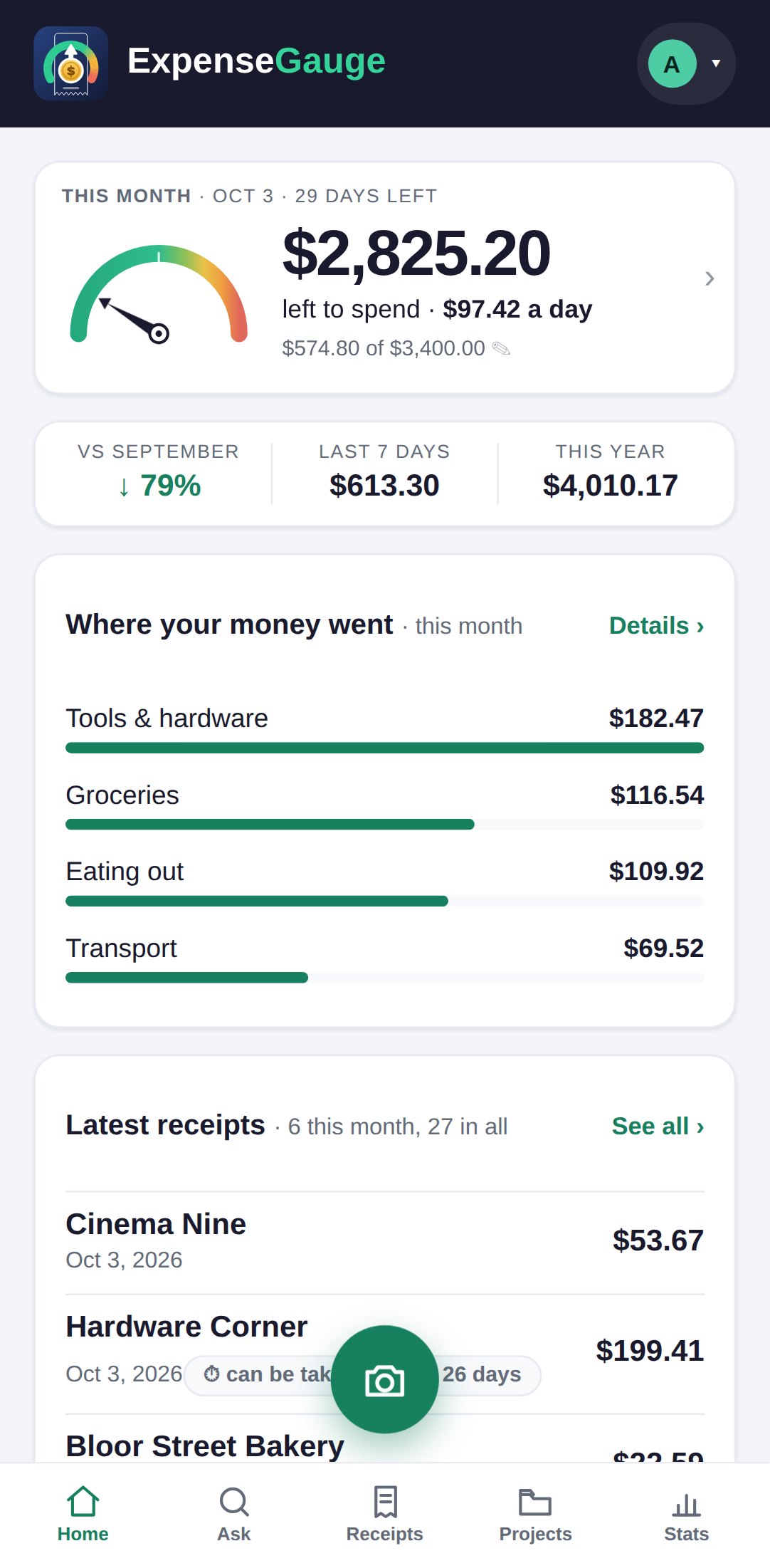
- Set it or change it: on the home screen, in the This month card, tap the line that shows what you have spent of your budget (it has a pencil). The box that opens is called Monthly budget.
- A budget belongs to one month, so a different month can carry a different figure. Emptying the box removes it.
- The big figure on the card is what is left to spend: the budget, less what has gone out, less the fixed costs still to come this month - rent that has not been paid yet cannot be spent on anything else. The card says how much is set aside for them, and what is left comes to a day for the days still to go.
- When the rate you are spending at is heading past the figure, the card says so.
Asking in your own words works too - what have I spent this month - and the answer is read against the same figure.
More about this: A monthly budget that warns you before the month is over
Your money