How to use · Your money
Getting your receipts out
Your data is yours and you can take it any time.
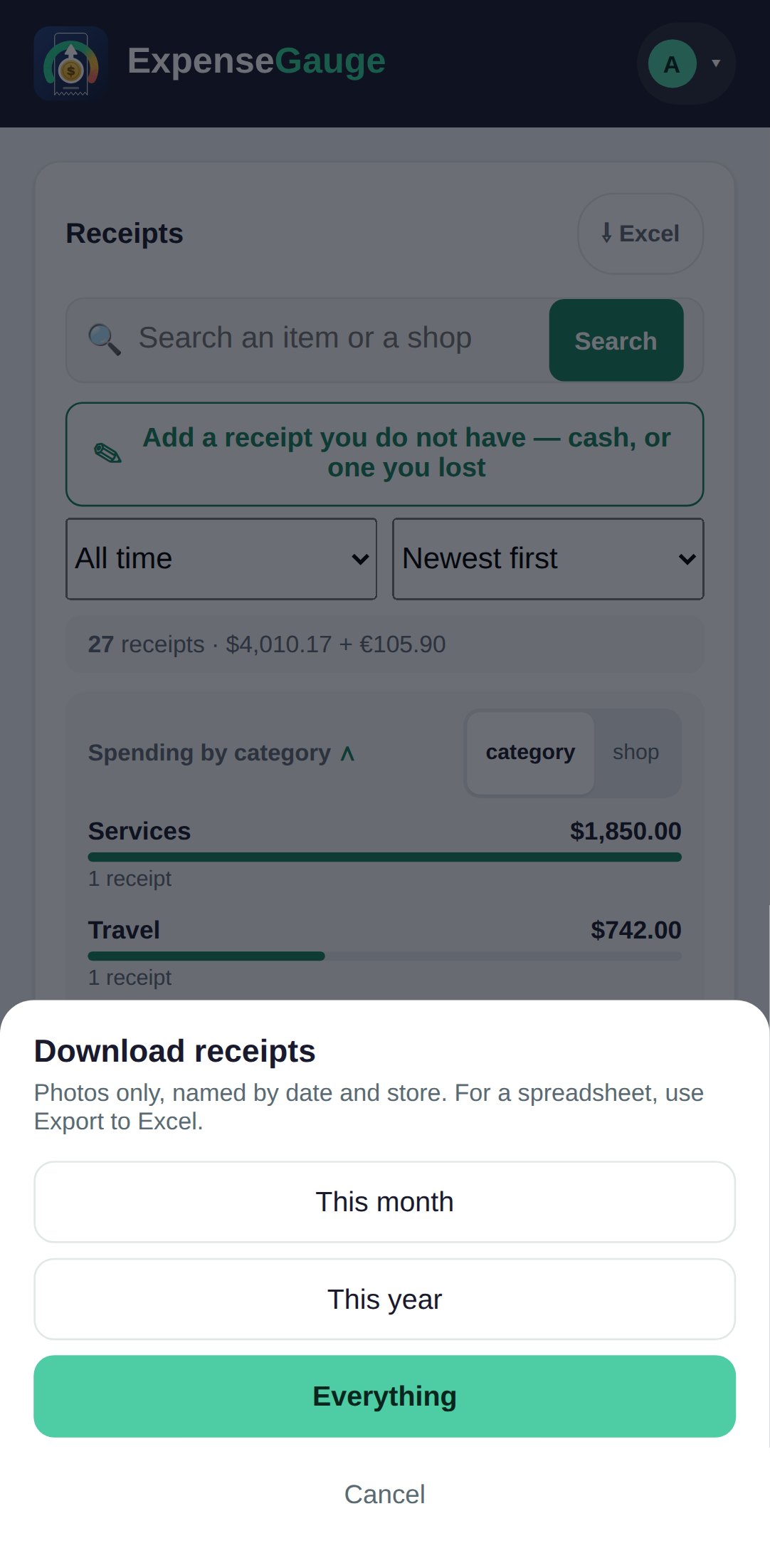
- A spreadsheet: open Receipts in the web app and tap the Excel button at the top. It holds exactly what the filters are showing - the receipts on one sheet, the items on another. In Telegram, /excel sends everything you have.
- The receipt photos: tap your name at the top right, choose Download receipts, then This month, This year or Everything. In Telegram, /backup does the same.
More about this: Export your receipts to Excel, with every photo alongside
Your money