Features · Voice and Telegram
Say it, or send it to the bot. Either way it is in your books.
Not every purchase comes with a slip, and not every moment is a moment to open an app. Say the purchase and the form fills itself in for you to check. Or keep the whole thing in Telegram: photos, PDFs, typed lines and voice messages all land in the same books.
No password. You sign in with a six-digit code sent to your email. The free plan is not a trial — see pricing.
By voice, in the app
For the purchases with no paper.
Open Write it down
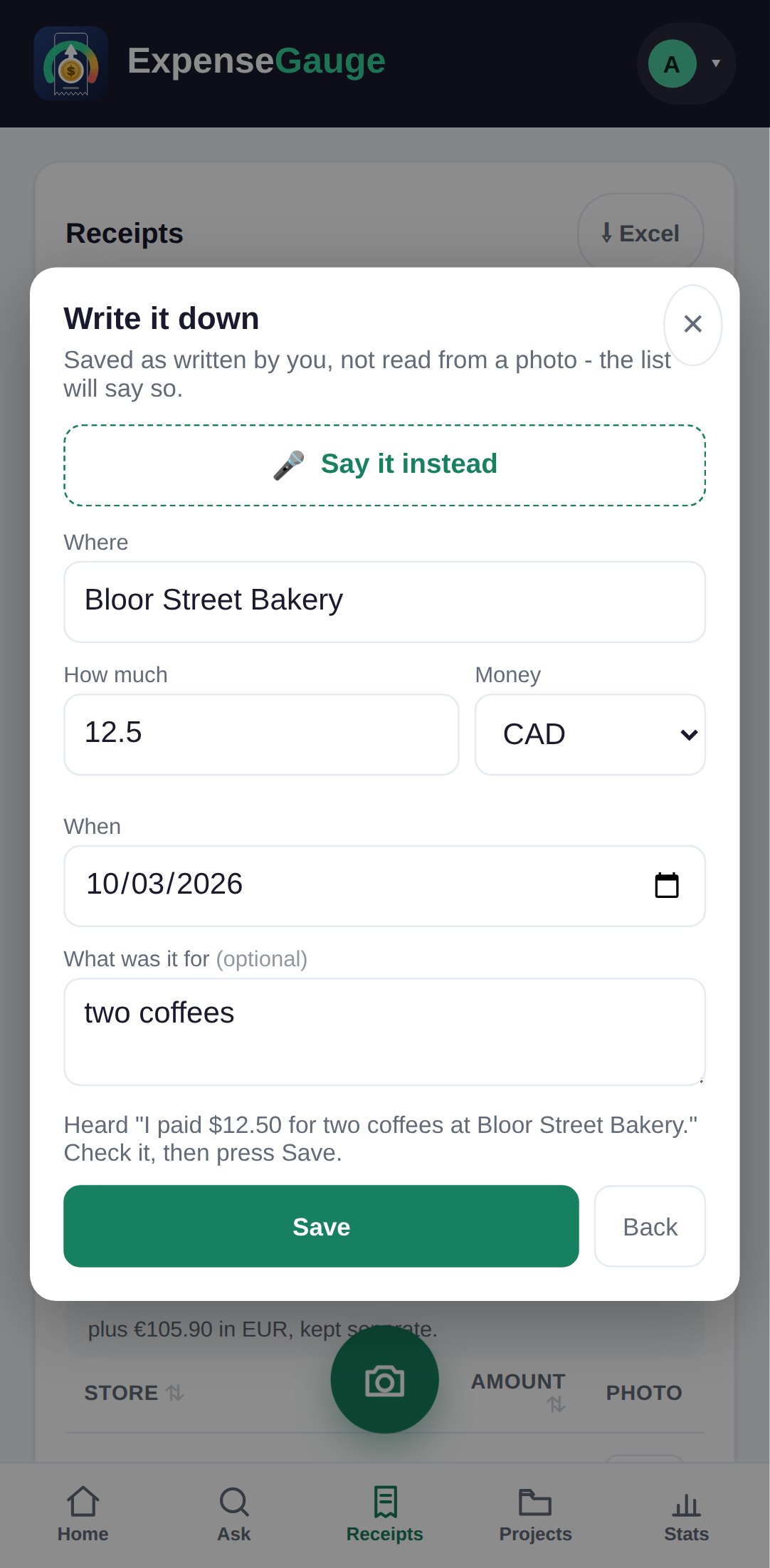
On the Receipts screen, tap Add one without a photo. It is for cash, a lost slip, a taxi.
Tap Say it instead
Say it the way you would tell someone: I paid twelve fifty for two coffees at the bakery. Name the money if it was not your own — fifteen euros stays euros.
Check it and save
The shop, the amount, the day and what it was for are filled in. Nothing is saved until you press Save, so you see what was heard first.
Telegram
The bot does everything the camera button does.
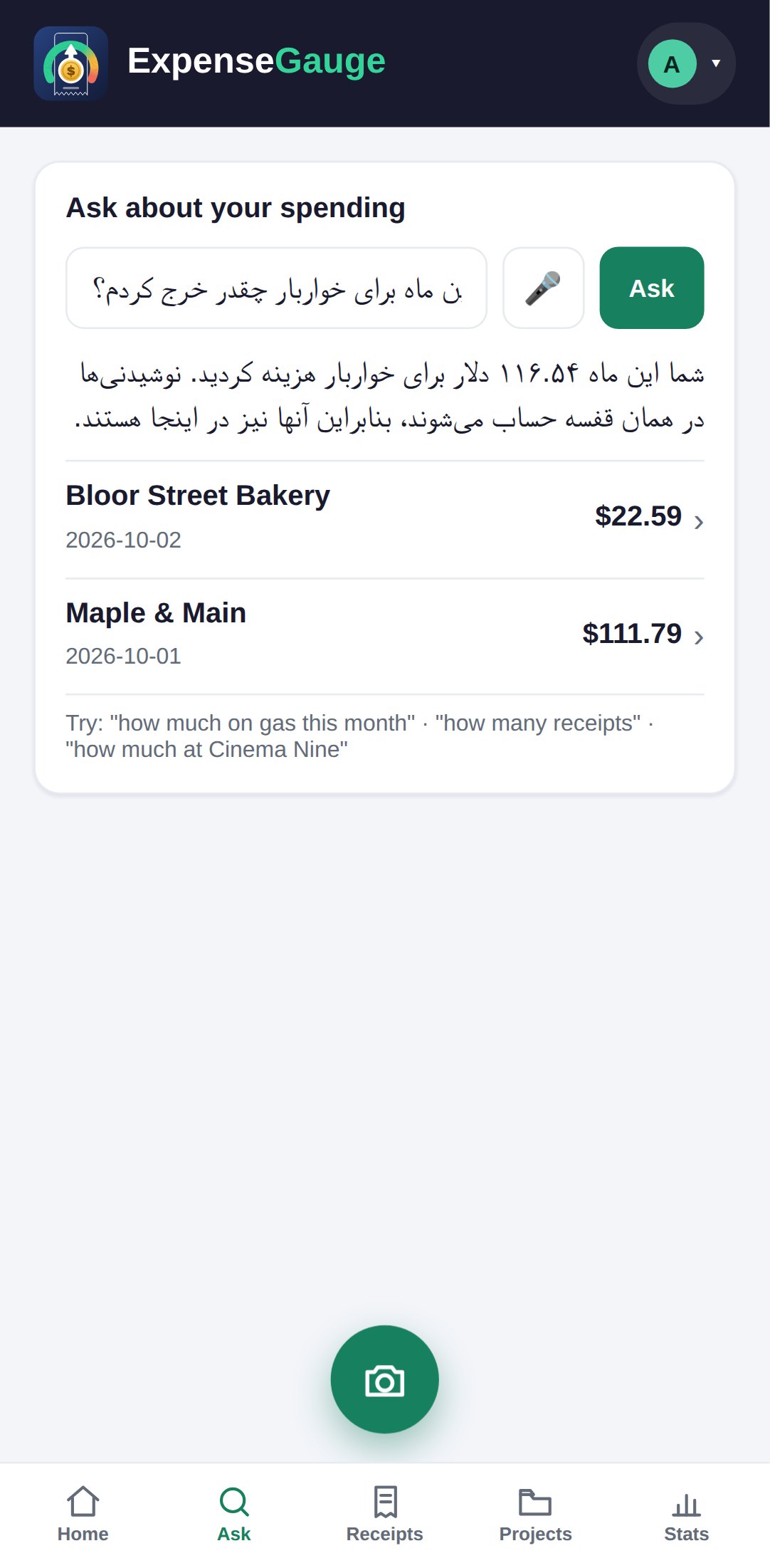
Send the bot a photo of a receipt, or the PDF, or a statement. Type a purchase as a sentence — 24 dollars at the market yesterday — or record a voice message asking how much went on groceries. The bot answers in the chat, and everything lands in the same books the app shows.
Connect the two once: sign in on the web, open your account and choose Connect Telegram. From then on the bot and the app show exactly the same receipts. Commands such as /today, /month, /excel and /backup are there for the things people ask most.
Straight answers
Common questions
Can I add an expense by voice?
Yes. In Write it down, tap Say it instead and say the purchase. The form fills itself in, and you check it and press Save.
What if I say an amount in another currency?
A currency you name is the currency the receipt keeps: fifteen euros is saved in euros. Dollars on their own are taken as your own money.
What can I send to the Telegram bot?
A photo or PDF of a receipt, a bank statement, a typed purchase, a question or a voice message. It all goes into the same books as the app.
How do I connect Telegram to my account?
Sign in on the web, open your account at the top right and choose Connect Telegram. It only shows while the two are not yet linked.
Can the bot read the answer out loud?
Yes. Ask for it to be said out loud and the answer comes back as a voice message as well as text.
Where next
Try it on the next coffee.
No slip, no problem: say it, check it, save it.
Read next: Ask about your spending · The receipt scanner · Taking your receipts out