How to use · Your money
Where the money went: the Stats screen
The Stats tab shows everything spent in the period you choose, category by category, as a ring and as a list.
- Choose the period at the top: everything, a year or a month.
- Money in another currency is kept apart: pick which currency to look at.
- Tap a category to see the receipts in it.
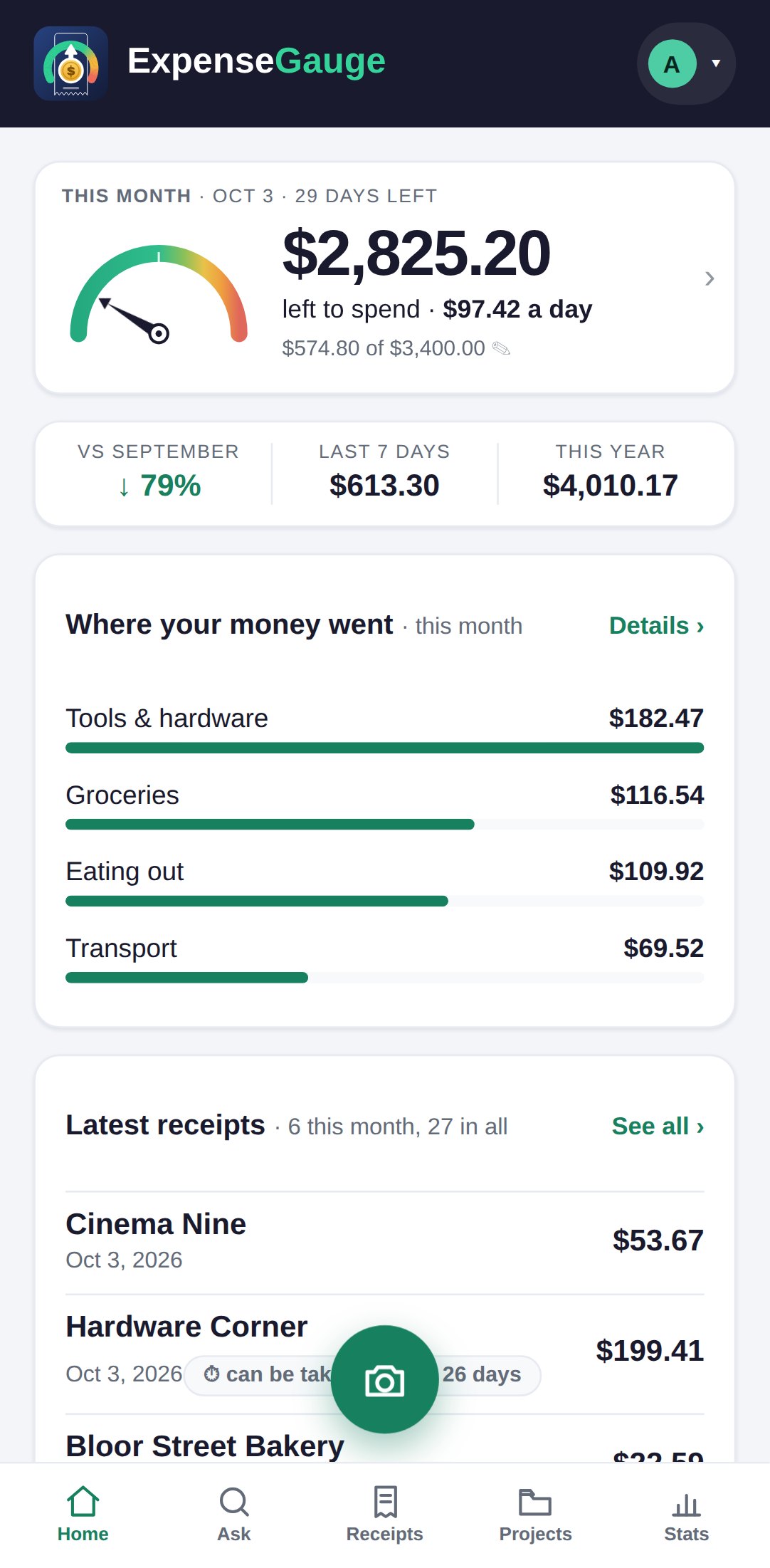
- Set a limit for each category gives a category a monthly limit of its own; the home screen then says how much of it is left.
More about this: A monthly budget that warns you before the month is over
Your money