How to use · Receipts
How receipts are sorted into categories
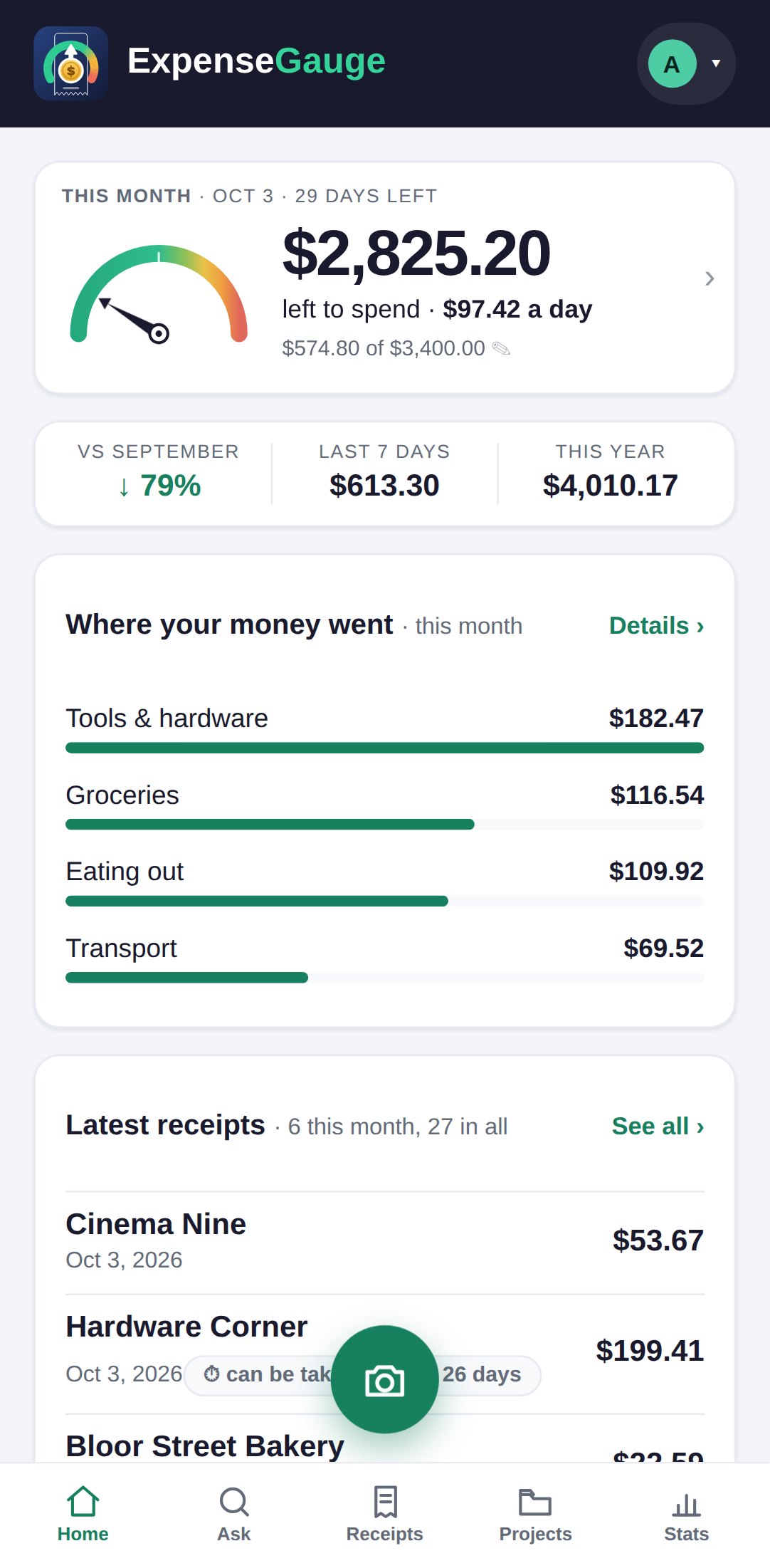
Every receipt is sorted by what the money was FOR, not by what kind of shop it was. That is why petrol sits under Transport, beside parking, public transit, tolls and taxis: together they answer one question - what does getting around cost me - which a fuel-only heading could not.
The chip on a receipt line shows both halves, the group and the detail, such as Groceries › Dairy.
If one is wrong you can change it: open the receipt, tap Details, and pick a category. That choice is remembered for that shop, for your account only, so the next receipt from it lands right.
More about this: A monthly budget that warns you before the month is over