How to use · Receipts
A purchase with no receipt
Cash work often comes with no receipt at all, and a slip you threw away is gone. You can still record it.
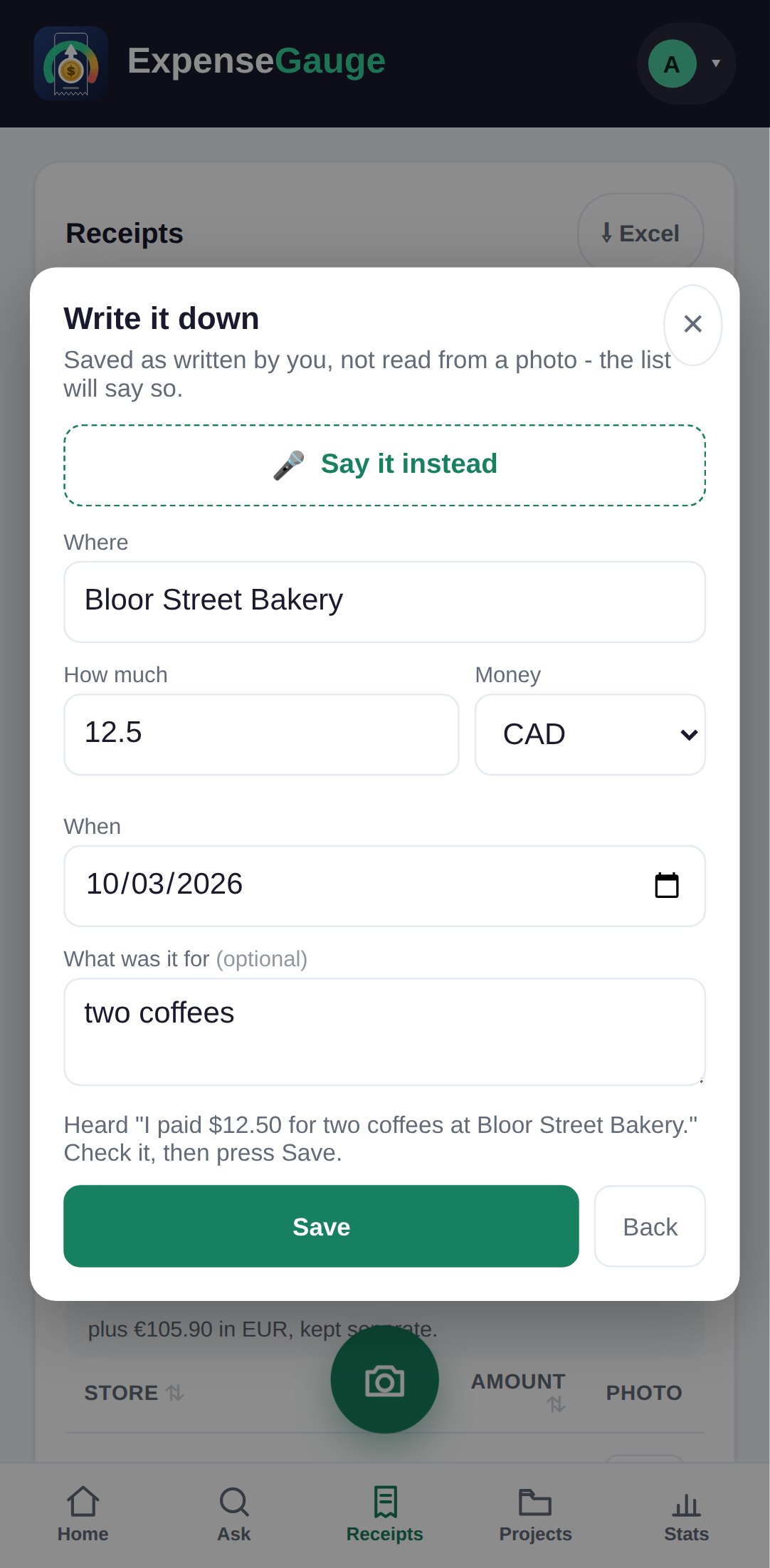
- In the web app: open Receipts and tap Add one without a photo. The Write it down form asks where, how much, the money and the day. Or tap Say it instead and say it in one breath - 12 dollars for two coffees at the bakery - and the form fills itself in. Check it, then tap Save.
- In Telegram: just type or say the same sentence to the bot.
It is saved without a photo and marked as written by you, because a receipt with no paper behind it is no use at a till or to an auditor.
More about this: Add receipts by voice, or straight from Telegram