How to use · Receipts
The list of things you bought
Two different things are called a shopping list, so here are both.
ExpenseGauge does not keep a list of things you still have to buy - there is no to-buy list in the app.
What it does keep is the list of what you actually bought. Every receipt holds its own lines, so the app knows the items and not only the total. To see them:
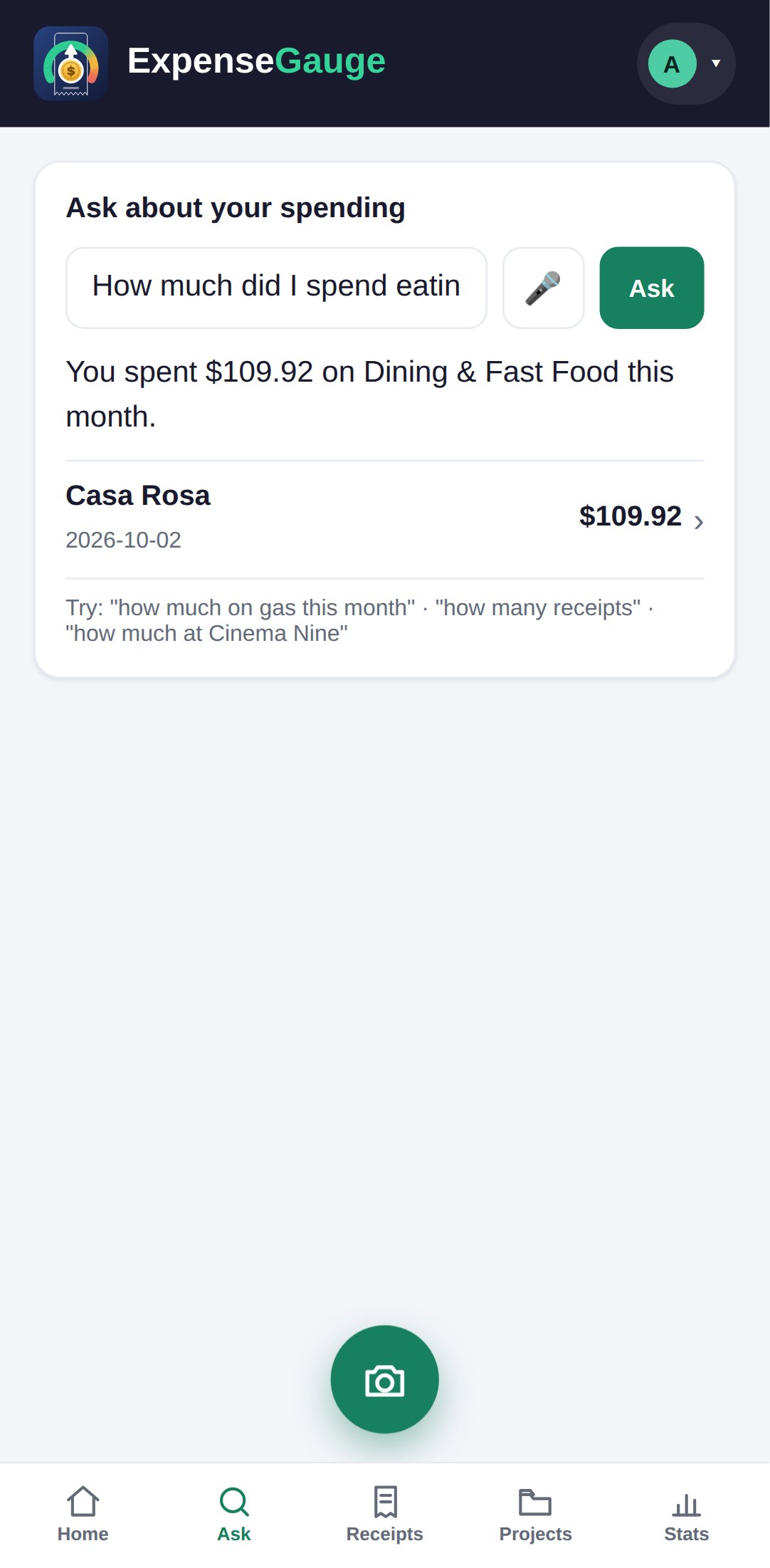
- Open the Ask tab and ask in your own words - what did I buy yesterday, or how much did I spend on milk last month. Name a day and you get that day; name nothing and you get all of it.
- Or tap any receipt to open it - its lines are listed inside.
The lines are read from the photo, so a shop that prints short codes gives short codes. You can correct any of them.
More about this: Ask about your spending in plain words, in your own language