How to use · Receipts
Adding a bank or credit card statement
Send a photo or the PDF of a bank or credit card statement the same way you add a receipt - in the app, or straight to the Telegram bot. Every payment on it becomes an entry in your books, and a line that is already there is not added twice.
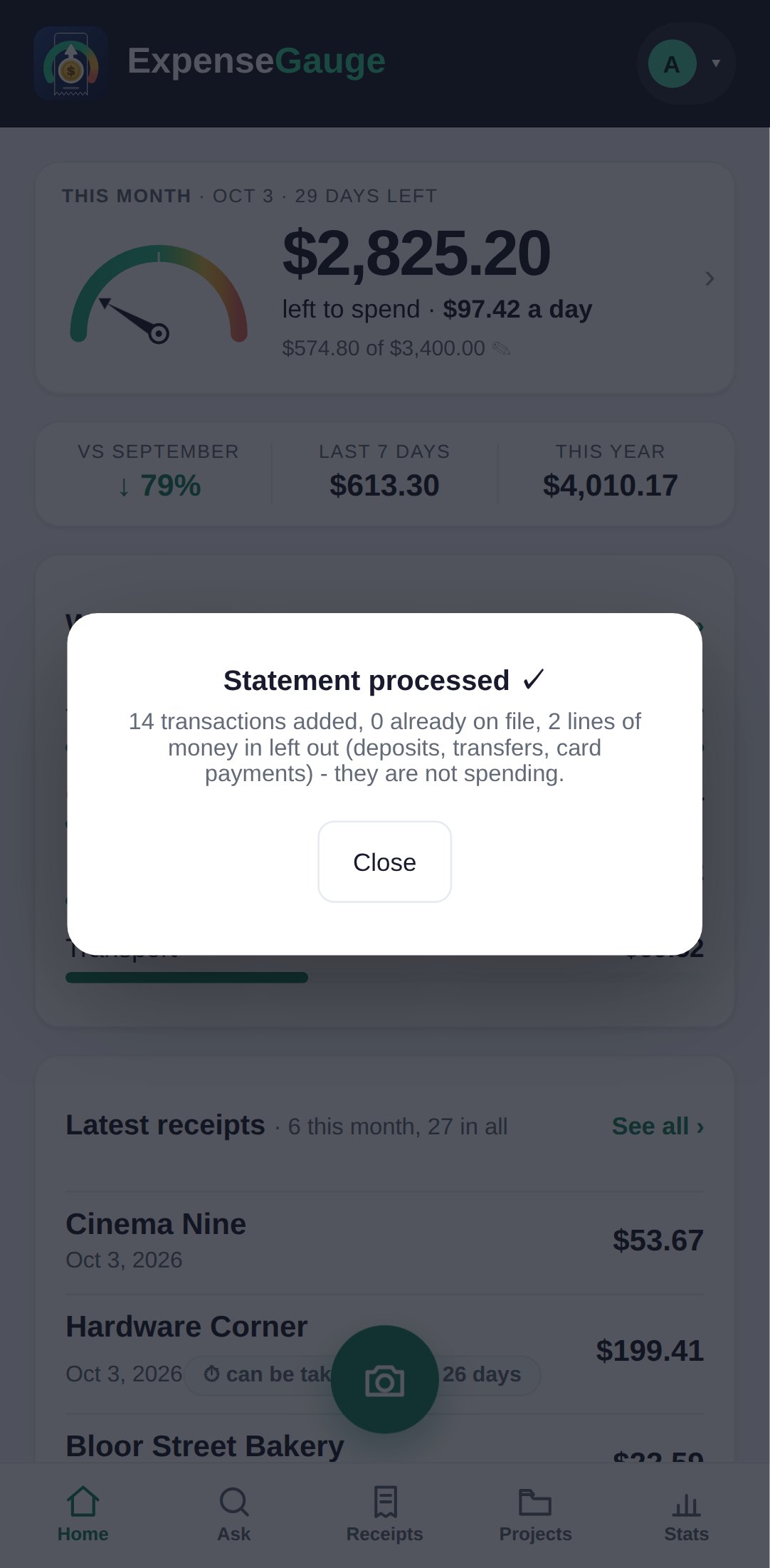
Only spending is counted. Money that came in - a salary, a transfer you received - is left out, and so is money moved to an account of your own, and a payment that bounced and came back (the bank fee for it is counted). The card says how many lines were left out and why.
A payment from your bank account to your credit card is not counted: what you bought with the card is on the card statement. Send each credit card statement separately, and its purchases are counted once.
An e-transfer to a person is counted as spending; when a statement has transfers to people the app has not seen before, it asks once, in one list, whether any of them is your own account, and remembers the answer.
A payment of one of your fixed costs, such as the rent or the mortgage, is counted as that fixed cost.
Statements are counted by the lines they add; Your plan shows how many your plan includes each month.
More about this: Bank and credit card statements, read line by line