How to use · Receipts
When the app asks about a receipt
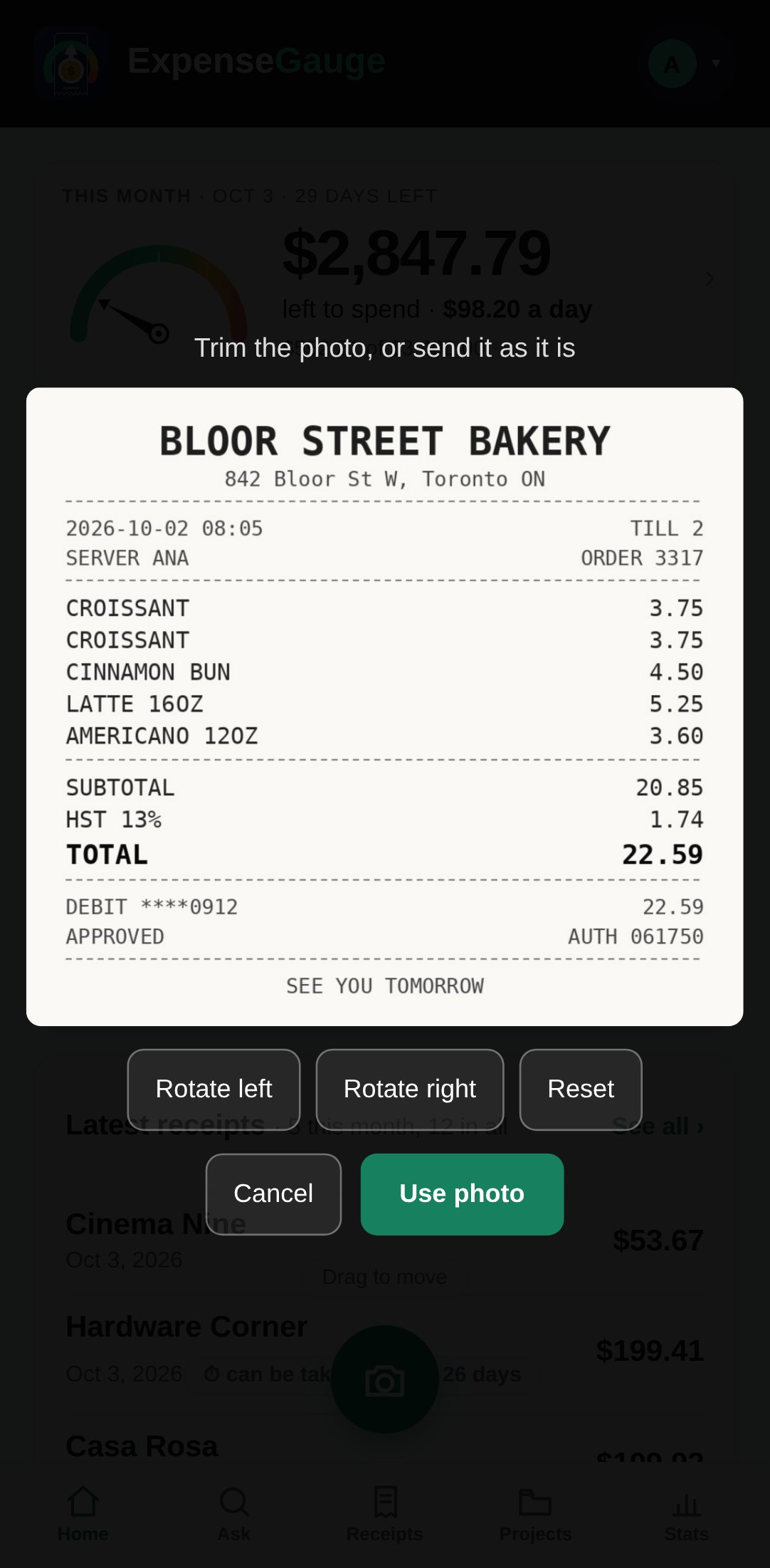
Most receipts need nothing from you. When the app is not sure of something - the lines do not add up to the total, a date could be read two ways, it may be a second photo of the same paper, a payment may be one of your fixed costs - it asks on the card, right where you added the receipt, with the answers as buttons.
If you leave it for later, it waits in Needs a look, and the bell at the top shows how many are waiting. Open one, answer, and it is done; an answer is kept and never asked again.
More about this: Receipt scanner that reads every line, not just the total