How to use · Receipts
Returns and warranty
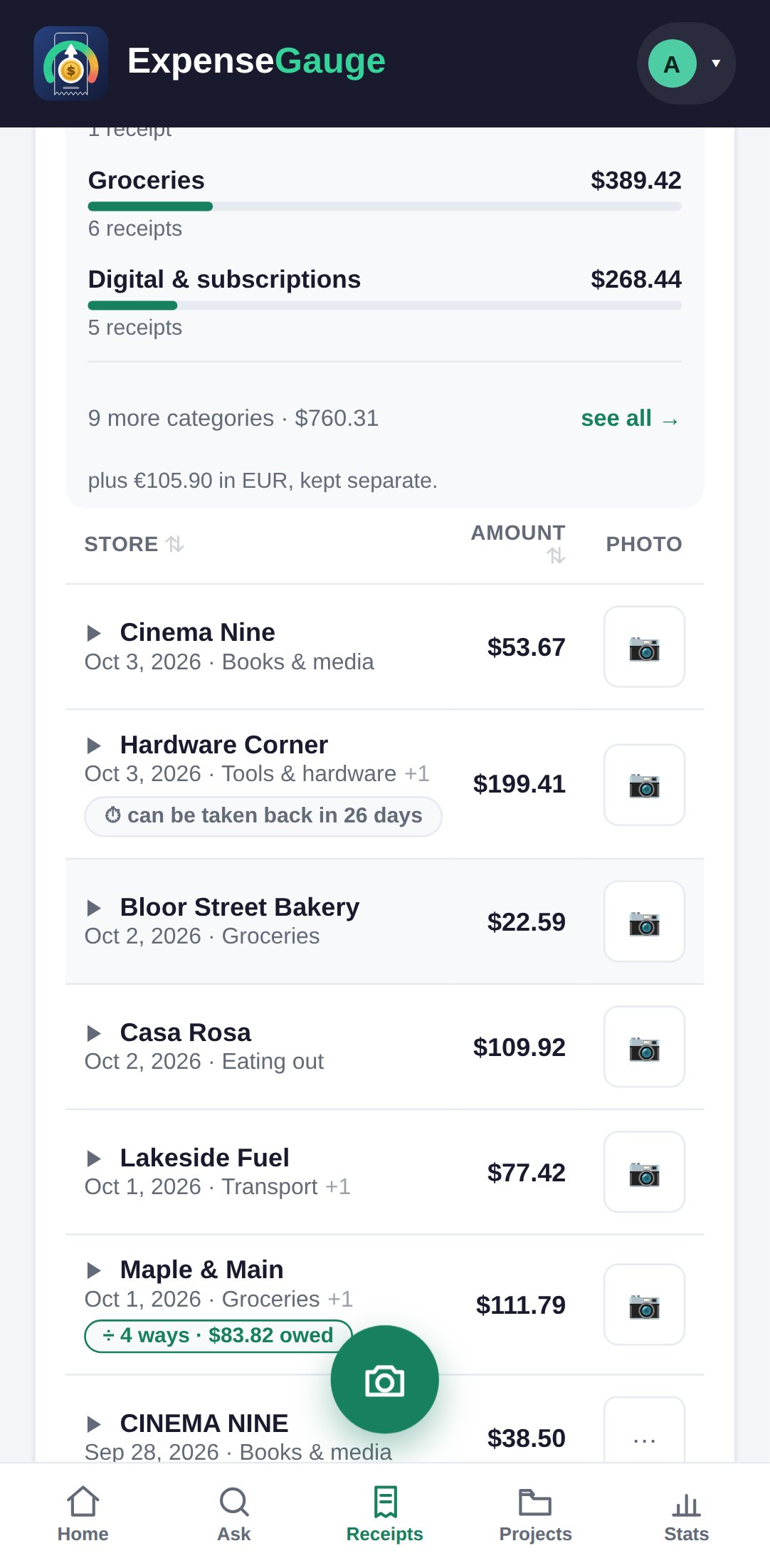
When a receipt says how long you have to bring something back, or how long the warranty runs, the app reads it and keeps it.
Open any receipt and look under Return & warranty. If the slip said nothing you can set the dates yourself, and it says which of the two it was - read from the paper, or set by you.
The app never invents a date. Shops differ by item as well as by shop, and a wrong date is worse than none.
More about this: Return windows and warranties, counted down for you