How to use · Receipts
The receipt was not read correctly
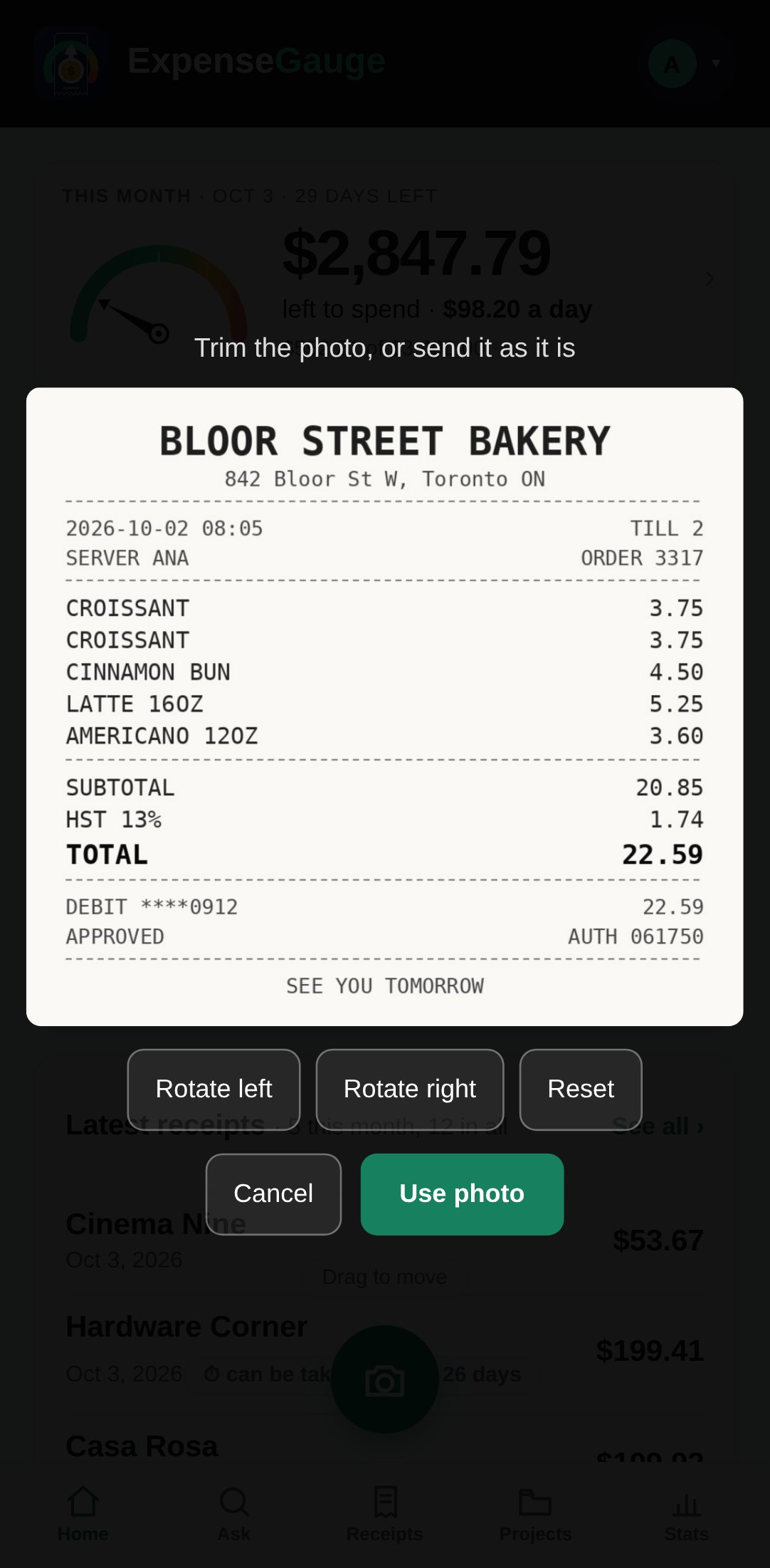
Usually the photo is the cause. Lay the receipt flat, get the whole slip in frame including the total line, and avoid shadows and glare.
If a receipt was still saved with the wrong shop, date or amount, you can put it right yourself: open the receipt, tap Details for the shop, date, total or category, or Items to fix the lines inside it.
More about this: Receipt scanner that reads every line, not just the total