How to use · Receipts
Voice messages
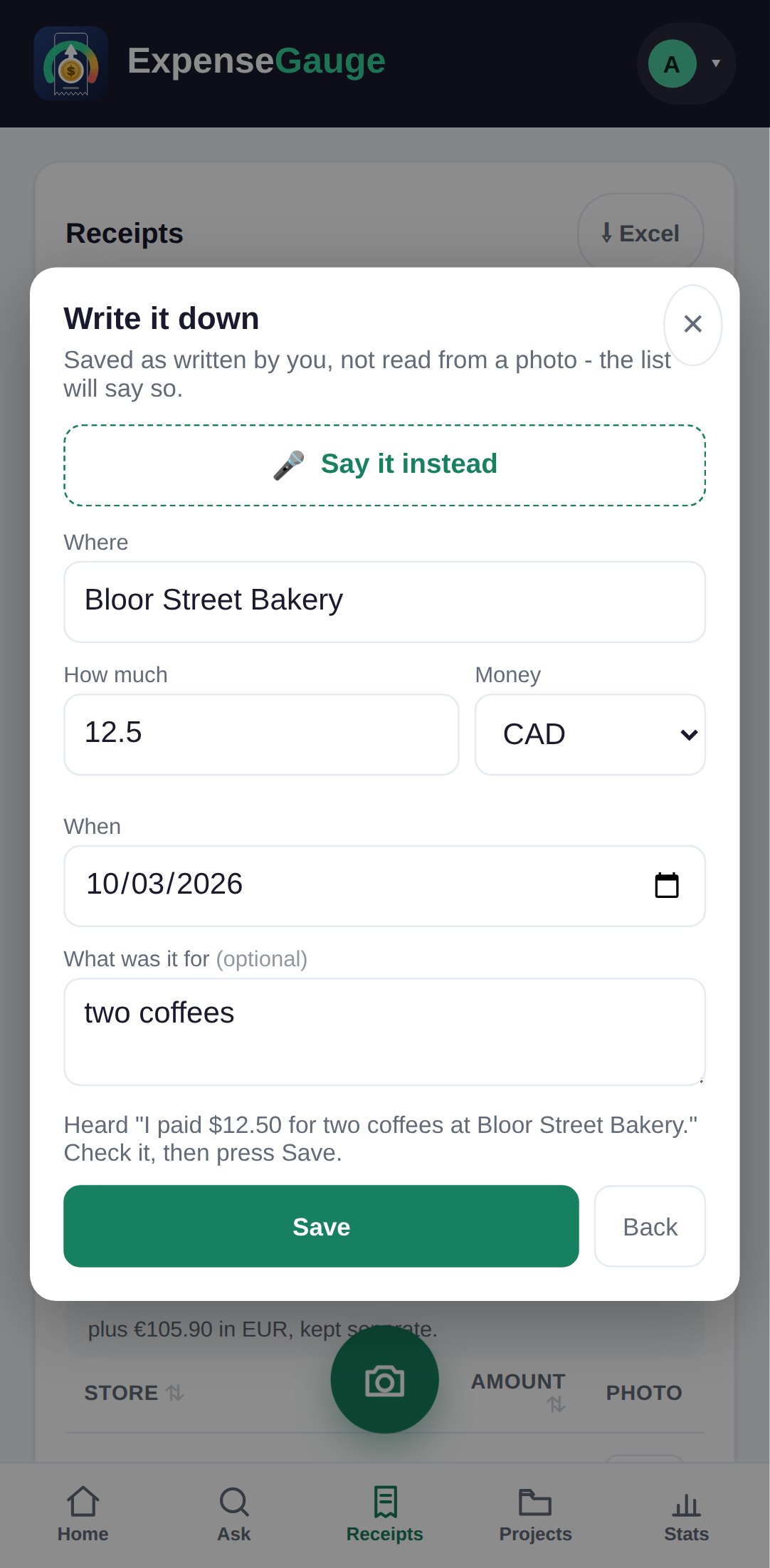
Yes. In the web app, tap the microphone next to the question box - the one in Help, or on the Ask tab - and say your question. To record a purchase by voice, use Say it instead in the form for a receipt you do not have. In Telegram, simply record a voice message. The answer comes back as text; if you ask to hear it ("say it out loud"), it is sent as a voice message too.
More about this: Add receipts by voice, or straight from Telegram