How to use · Receipts
Returns and warranty
A receipt does not set its own return date or warranty. The policy printed on a slip is the general rule of the shop and often not the one that applies to your item, so the app does not take dates from the paper: you set the dates that matter.
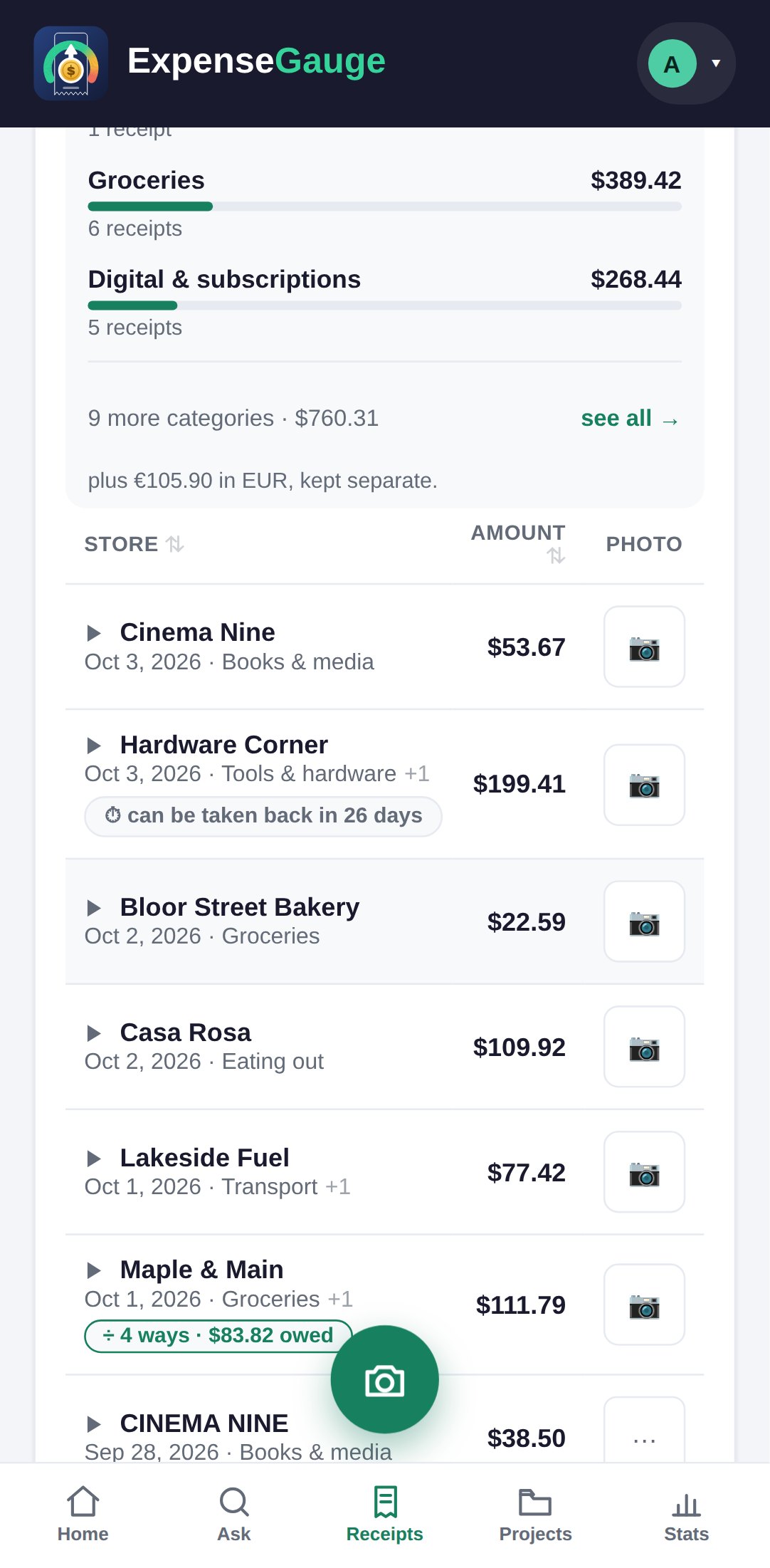
Open the receipt and look under Return & warranty: set the last day it can be taken back and the day the warranty ends. The receipts list then counts the days down, and the receipt notes that you set them.
The app never invents a date. Policies differ by item as well as by shop, and a wrong date is worse than none.
More about this: Return windows and warranties, counted down for you
Receipts